What is needed to interface to an instrument?
An Electronic Repository Application – many products on the market can replace a paper notebook and support instrument interface including ELN, LIMS, LES. SciCord is built as a hybrid solution, offering the combined advantages of the other major data management schemes.
Instrument Data Repository – consolidate all instrument data in a single repository.
Connected – a means of porting the instrument output to the electronic repository, often a network connection but can be accomplished via “sneaker net” using a USB card to extract the instrument output from an unconnected device.
Interface Challenges
Instrument Variation: The sheer number of interface variations introduced by vendors, instrument models, and even firmware releases.
Technical Specifications: Obtaining quality interface information from instrument vendors can be challenging and may require reverse engineering if the original company cannot provide documentation.
Software Supplier Support: If new instruments are being added that cannot be interfaced through the default SciCord resource configuration, SciCord has offices in America and Europe to ensure assistance can be provided regardless of your location or time-zone.
Coordinating Context: The context for a measurement must be seamlessly communicated between context source (the “notebook”) and the instrument. SciCord can produce custom templates or more generic modules to provide this context where needed.
Compliance: SciCord is fully validated for GxP environments (if needed), allowing instruments to retain compliance when interfaced through SciCord.
Real-Time Connection
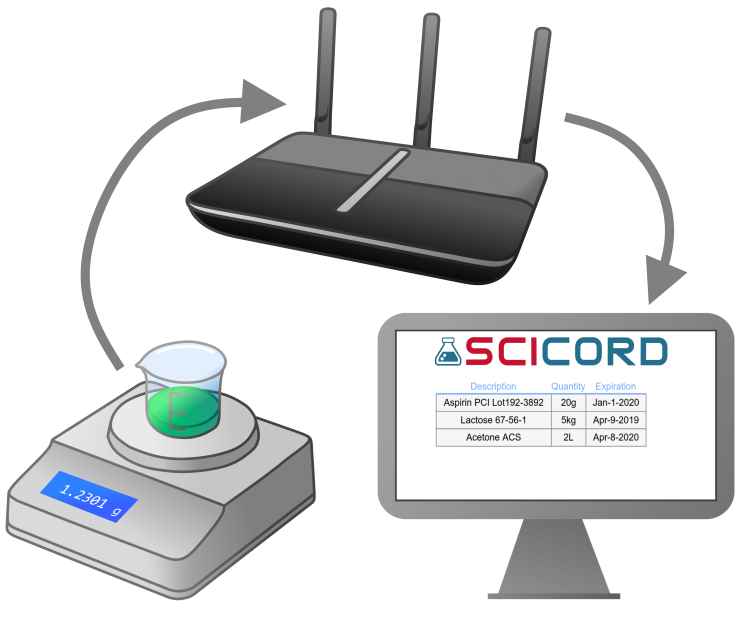
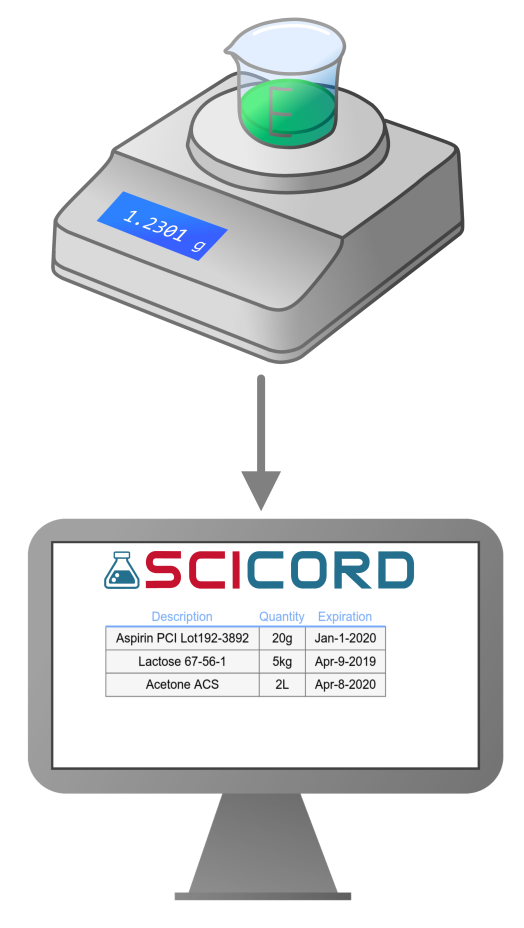
Instruments such as balances or pH meters often produce discrete measurements without automated sample introduction. This requires scientists to introduce the measurement target and instruct the instrument to obtain a measurement. SciCord streamlines this process with pre-configured resources and data extraction for result-sample correlation. SciCord handles real-time connections in several ways:
- The Notebook application prescriptively defines a series of measurements. The scientist is prompted to “feed” the instrument in the prescribed order. Each measurement is then recorded with context.
- The Notebook application is programmed to look for a scanned sample label and then associate the next instrument measurement with the scanned context object.
- The Notebook application listens and displays the instrument measurement in real-time. The scientist records the displayed measurement into the context. This means the scientist can operate in any order and with complete flexibility
Printer Driver Output
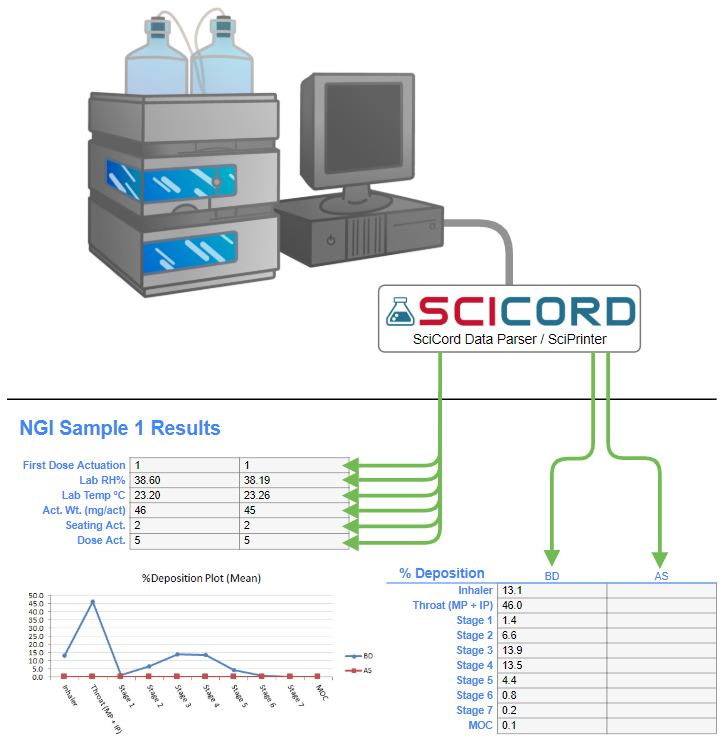
Older, simpler instruments may require being connected to a networked printer to produce any output. SciCord can act as a “virtual printer” to obtain this output and record it appropriately.
- The instrument generates a report which includes the measurements of interest and optionally the run time parameters and sample context.
- Instrument reports are “printed” to a SciCord supplied printer driver. The printed report output is translated to pdf format and recorded as a file by the Notebook application. The scientist can define the context of the file.
- Optionally, in addition to the pdf file, the printer driver may translate the printer output into a textual format to support parsing. The parsed data can then be utilized for summarizations or statistical analysis.
Managed Instruments
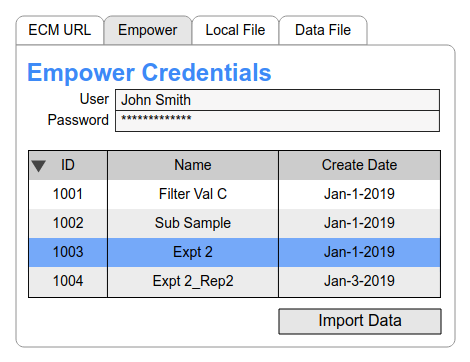
Application controlled, relatively high throughput instruments such as Moisture Meters or Chromatography often require manufacturer or third party software to run (such as Empower™). SciCord can then interface with this third-party software to retrieve the data and further process it or link it to samples.
- Centralized software manages individual instruments, enabling analysis and data storage, often using APIs, databases, or web services for data access.
- SciCord serves as the source for sample context, defining sequences and operational parameters.
- The centralized software instructs instruments, a process that can be automated or manual.
- Instruments upload measurements to the centralized software, and SciCord communicates to record data in the notebook.
Files
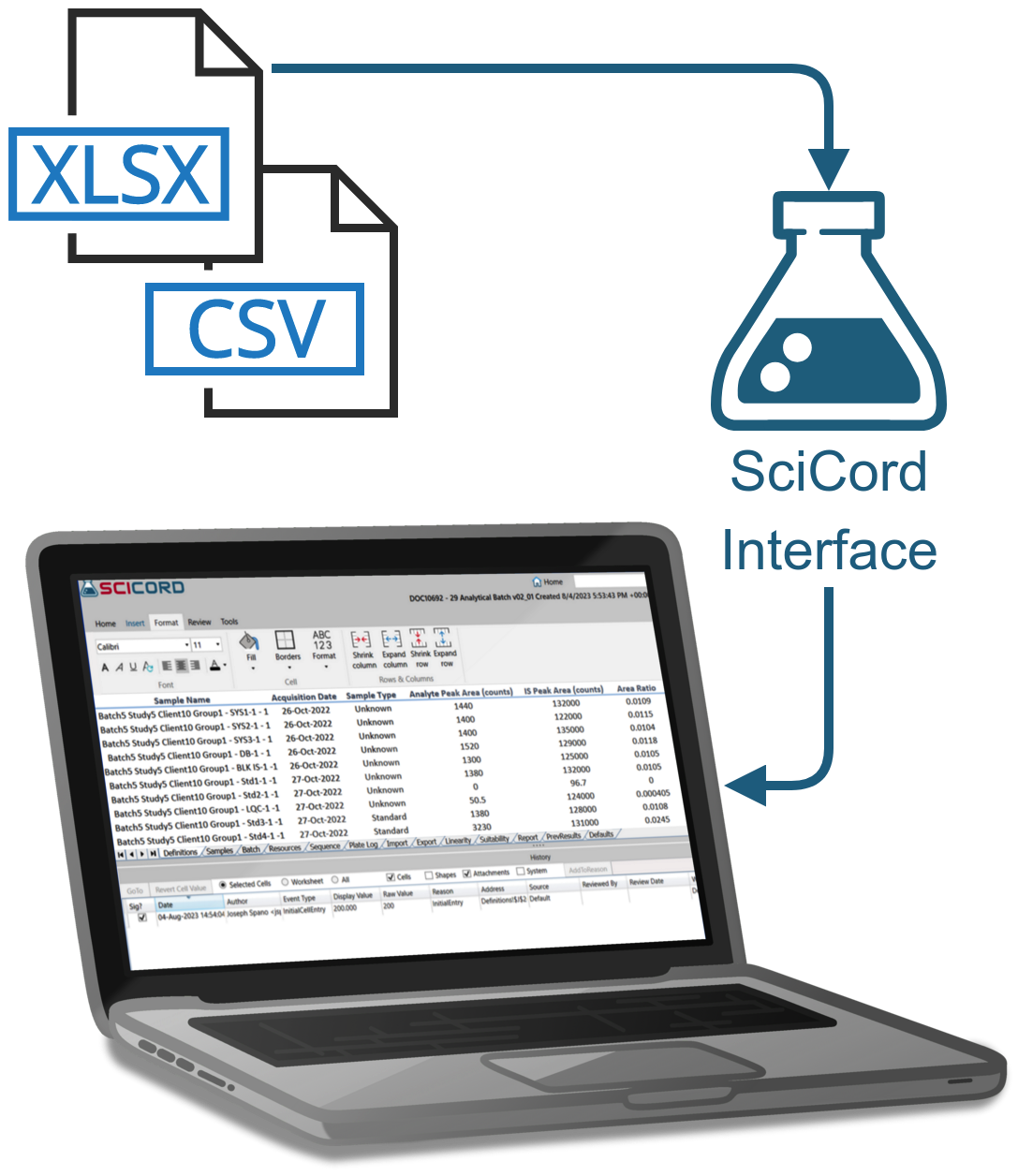
Many Instruments generate electronic files for single or sequential measurements, often containing instrument parameters and measurement context.
- Networked instruments store files on shared drives accessible in SciCord.
- Scientists select and attach files to SciCord documents, providing context through content and naming.
- Alternatively, instrument files can be directed to a monitored shared directory, where SciCord automatically records them, often with specified formats.
- Parsing techniques can extract specific information from attached files, including sample context, distinct measurements, and instrument parameters.
Monitor
Certain instruments regularly report one or multiple measurements over time.
- Like real-time instruments, they can connect directly to the network through wireless, Ethernet, or indirectly via RS232 output through an RS232 to IP converter.
- Measurements are transmitted at intervals and stored in a database or another storage facility.
- Queries generate regular reports, flagging results that exceed defined limits.
Parsing
Instrument output can be parsed from a string or file.
- Laboratory instrument outputs lack standardization; initiatives like Allotrope aim to establish standards, but currently, vendors and models produce proprietary formats that may vary even within firmware releases.
- Due to the diverse formats, there is no one-size-fits-all parsing method, application, methodology, or language. SciCord flexibly adapts its parsing approach, utilizing simple C# data matching or complex regular expressions as necessary to reliably extract data from instrument output.