No-code Config
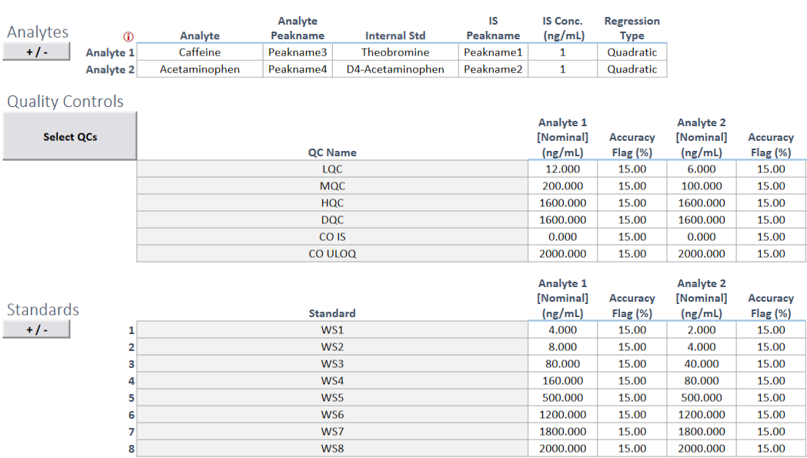
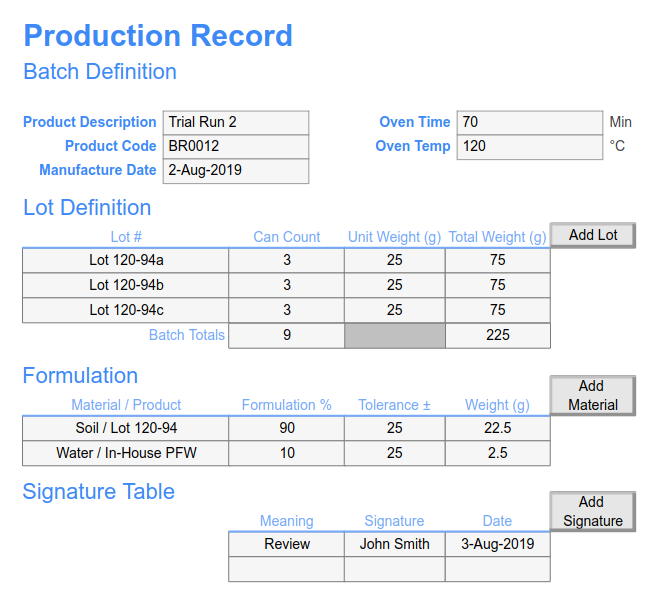
A key differentiator is SciCord’s embrace of spreadsheet technology to easily migrate your existing paper or spreadsheet-based batch records into digital media. Spreadsheet flexibility, functionality, and compatibility with scientific data and processes make them a natural fit in scientific organizations. Configurations in SciCord leverage the extensive user interface capabilities of spreadsheets integrated within a secure, compliant, and connected information platform.
The no-code configuration steps below can be executed by your scientists familiar with spreadsheet design and operation or relying on technical expertise provided by SciCord engineers.
Step 1: Lay out your batch record process utilizing the rich spreadsheet toolset: extensive formats, data validation, lists, calculations, charting, images, and process flow design elements. Existing batch record spreadsheets can inform the design and further accelerate implementation.
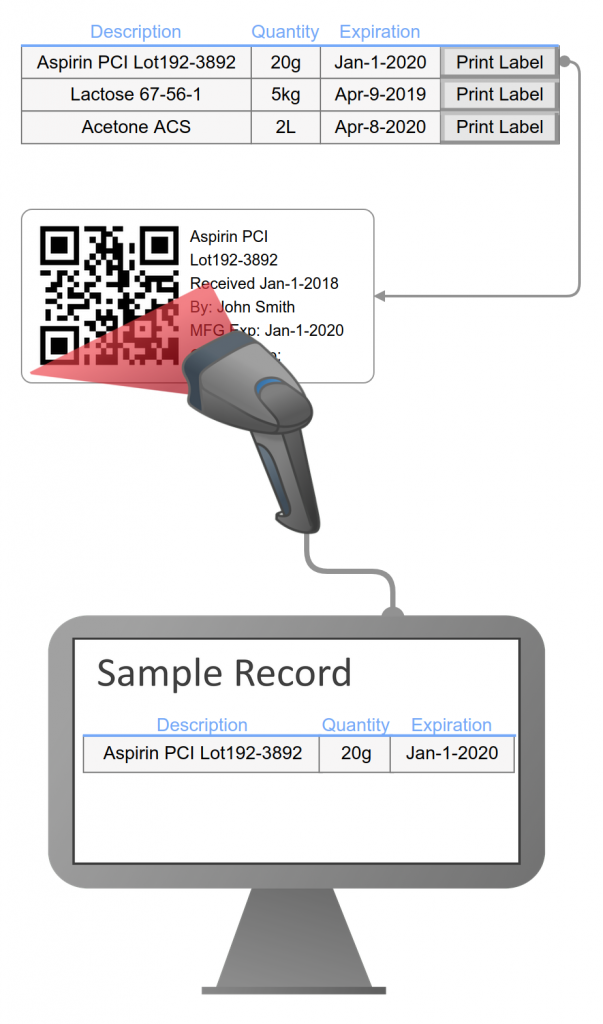
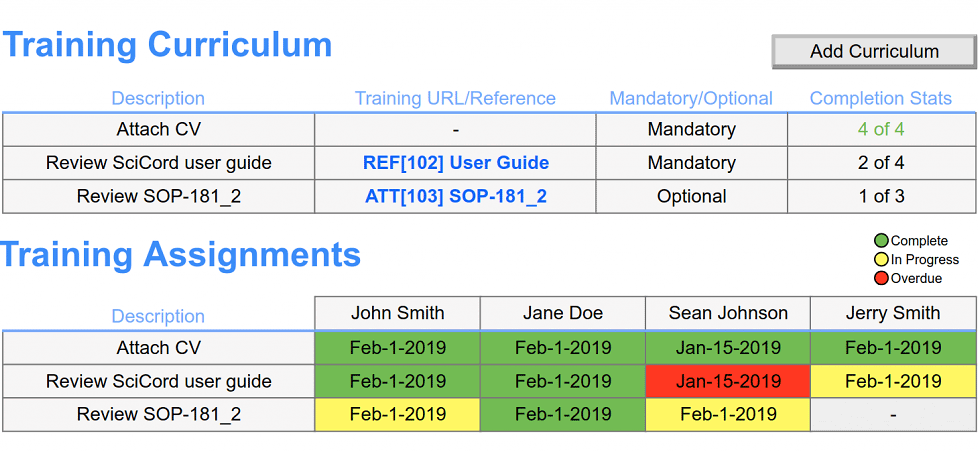
Integrate your batch record with LIMS and ELN functions: sample management, inventory, equipment, electronic signatures, instrument interface, workflows, file & data management, and reporting.
Step 3: Test/validate your electronic batch record taking advantage of SciCord’s IQ, OQ, and PQ methodology.